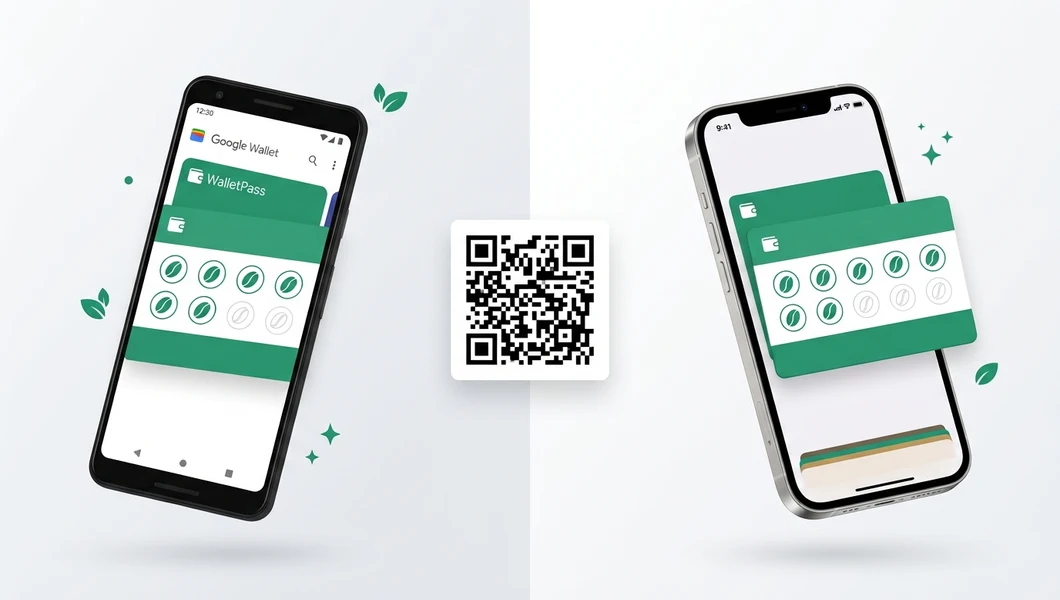
Google Wallet loyalty cards for business

Loyalty Cards in Google Wallet — One QR for Android and iPhone

70% of your clients are on Android. One QR code — and the loyalty card is already in Google Wallet or Apple Wallet. No apps, no registration. Launch in 5 minutes.

✓1 month free
✓Launch in 5 min
✓No credit card
✓Android & iPhone — one QR
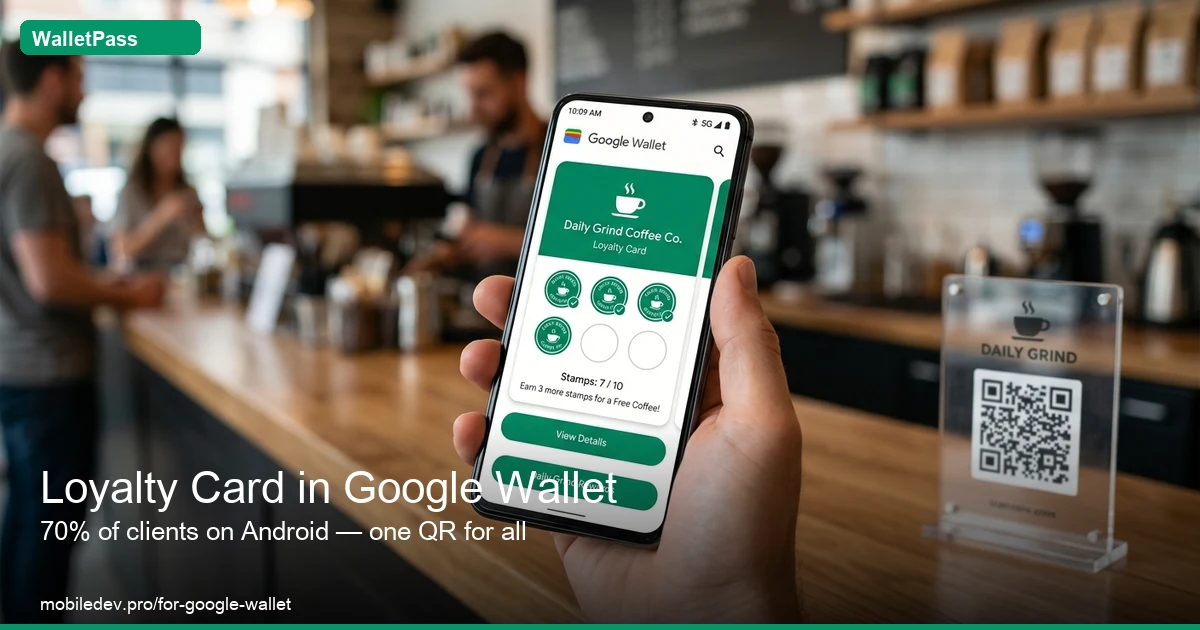
Loyalty card in Google Wallet for business — WalletPass
PROBLEM

70% of clients are on Android. Most businesses ignore them

A plastic card means no push, no reminders, no analytics. SMS to 1,000 clients costs ₴1,000+ every time. Google Wallet push — free.

Without Google Wallet
✕70% of Android clients have nowhere to save a loyalty card
✕SMS reminders cost ₴1–3 per message
✕Plastic and printing — cost without results
✕No analytics — who came and who disappeared
✕An app — 90% of clients won't download it
✕Separate solutions for Android and iPhone — extra costs
WalletPass — one QR for everyone
✓One QR — client picks Google Wallet or Apple Wallet themselves
✓Push reminders via Google Wallet — free
✓Offline card — visible without internet
✓Analytics: who's active, who dropped off
✓No apps — card in 10 seconds
✓₴0 for card production — just one QR code
HOW IT WORKS

From registration to first client — 5 minutes

No developers, no Google Developer Account, no new equipment. One QR stand at register — Google Wallet loyalty program is live.

1
Register and set up your card
Business name, logo, colors, reward type (stamps or discount). 2 minutes — done. No coding.
2
Print QR and place at the register
One QR code for Android (Google Wallet) and iPhone (Apple Wallet). Print on A6 or use NFC badge.
3
Client scans — card in Google Wallet in 10 sec
Browser opens, asks to 'Add to Google Wallet' — they tap Yes. Card saved next to Google Pay.
4
Push reminders bring clients back
Send a promo to your entire base — 30 seconds. Google Wallet delivers push directly to the phone. Free, no SMS.
HOW CLIENT GETS THE CARD

10 seconds from QR to Google Wallet

No apps. No registration. Android client scans QR — card is already in Google Wallet next to bank cards and Google Pay.

Scans QR
At register, on menu, in SMS or website
→
Google Wallet or Apple
Android → Google Wallet, iPhone → Apple Wallet
→
Stamp in 3 seconds
Cashier taps one button — card updates instantly
→
Push via Google Wallet
Promos and reminders — no SMS, no app
RESULTS

SMS costs ₴1–3 per message. Push via Google Wallet — free

1,000 clients × ₴2 per SMS = ₴2,000 per campaign. Via Google Wallet push — ₴0. WalletPass pays for itself from the first promo.

70%
of clients in Ukraine are on Android and can get a Google Wallet card
₴0
cost of push campaign via Google Wallet — vs ₴1–3 per SMS
10 sec
from QR scan to card in Google Wallet — no registration
2.4×
more repeat visits from clients with a digital loyalty card
Loyalty program in Google Wallet and Apple Wallet — WalletPass
FEATURES

Everything you need for a loyalty card in Google Wallet

No hidden fees, no developers. Full toolkit in the base plan.

One QR for Google and Apple
Android client → Google Wallet, iPhone → Apple Wallet. One QR code, one stand, one system.
Push via Google Wallet
Promos, reminders and new bonuses — directly to Android clients' phones. Free.
Offline access
Card stored on phone. Barcode visible without internet — even underground with no signal.
Client analytics
Who's active, who dropped off after first visit, how many new this month.
Poster POS integration
Auto-stamp after every ticket in Poster. Cashier doesn't need to do anything manually.
Stamps or discount card
10 coffees — 11th free. Or fixed 5–15% discount for regulars.
COMPARISON

WalletPass vs alternatives for Google Wallet

Why businesses choose WalletPass instead of custom development or SMS services.

Feature WalletPass Custom dev SMS service Mobile app
Launch time
✓ 5 minutes
2–6 months 1–2 weeks 3–6 months
Google Wallet support
✓ Built-in
Requires dev work — —
Free push
✓ Yes
Yes ₴1–3/SMS Yes
No app download
✓ Yes
Yes Yes Required
Cost
✓ from ₴699/mo
₴50,000–200,000+ ₴2/msg ₴100,000+
TESTIMONIAL

Real result after switching to Google Wallet

"We used to give out plastic cards — over half the clients lost them. Now one QR at the register: Android clients add to Google Wallet, iPhone users to Apple Wallet. 200+ cards in a month. Sent push about a promo — next day there was a queue."
M
Marina D.
Coffee chain owner, Kharkiv
FAQ

Common questions about loyalty cards in Google Wallet

Everything you need to know before launching a Google Wallet loyalty program for your business.

The client scans your QR code or clicks a link — a browser opens with an 'Add to Google Wallet' button. They tap it — card saved. The whole process is 10 seconds. No apps or registration needed.
Functionally — no. Both cards sync in real time: stamps, bonuses, push reminders. The difference is only visual — Google Wallet shows the card in its style, Apple Wallet in its own. For you as a business owner it's one management panel.
Yes. WalletPass sends push via the official Google Wallet Pass API. Clients receive reminders about promos, new stamps and card expiry directly on their phone — no SMS or third-party app. Free for you.
No. The card in Google Wallet is stored offline and opens without internet. The client can show the barcode even underground with no signal — just unlock the phone.
Solo ₴699/mo — one location up to 1,500 clients. Pro ₴999 — up to 4 locations and 5,000 clients. Network ₴1,499 — unlimited. First month free, no credit card required.
OTHER NICHES

WalletPass for different business types

☕ Coffee shops 💅 Beauty salons 🚿 Car washes 🔧 Auto service 🏋️ Gyms 🛍️ Stores 💊 Pharmacies 🥐 Bakeries
Launch a loyalty card in Google Wallet today
1 month free. First Android client gets a card 10 minutes after registration.
Start free
No credit card · Cancel anytime